Old photographs deteriorate in distinct ways. The problems are not uniform. Some images suffer from deep physical scratches and cracks. Others have faded into near invisibility. A different set might be blurry or grainy from poor scanning or early digital storage. A single, universal tool rarely fixes all these issues well.
Each type of damage demands a specific algorithmic approach. Selecting the right tool means first identifying the primary flaw you need to correct.
Not All Old Photo Damage Is the Same
A torn corner and a faded sepia tone are fundamentally different problems. They require different fixes. Physical damage alters the actual structure of the image. Fading and color loss are chemical or light-based decay.
Problems like blur or digital noise are often artifacts of the reproduction process, not the original photo. An AI tool engineered for one may perform poorly on another. Understanding this mismatch is the first step to a good restoration.
The Main Types Of Damage AI Tools Try To Fix
Most restoration services advertise a broad capability, but their underlying models are typically tuned for specific tasks. The effectiveness varies wildly based on what you feed them. We categorized the primary decay patterns to map them against tool performance.
AI tools generally target these four categories of degradation:
- Physical surface damage like scratches, cracks, and stains;
- Global fading and loss of tonal contrast over time;
- Blur and softness from low-quality or old scans;
- Digital noise and compression artifacts in archived files.
The following tools are assessed not as a ranked list, but as specialists for these specific roles. Their value depends entirely on the problem in front of you.
1. Renew Photo
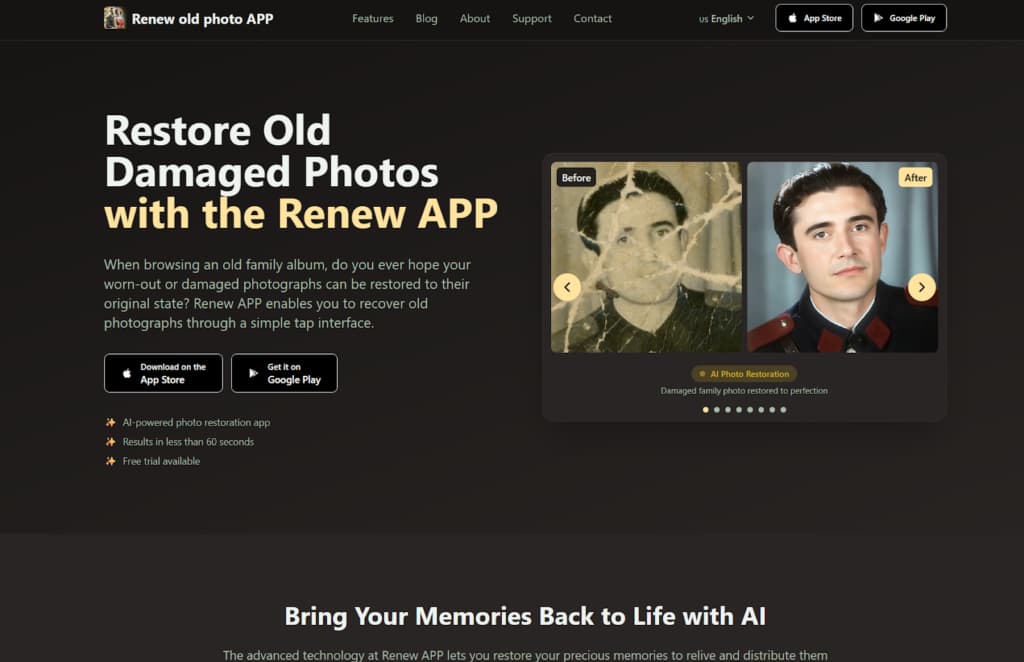
Renew Photo is built for the tangible decay of printed photographs. Its logic focuses on repairing visible physical damage such as scratches, cracks, and stains embedded in the emulsion. This isn’t a tool for fixing a modern, blurry selfie. It’s for scanned prints from a physical album. The service uses a model trained to recognize and reconstruct interrupted surfaces, treating the photo like a damaged object rather than just a low-quality file.
How It Handles Structural Photo Damage
The tool operates like a digital patching system. It identifies linear scratches and spot defects, then fills them by sampling and blending surrounding areas. For fading, it recalibrates the entire tonal range, attempting to restore the original contrast balance that time washed out. The process is largely automated with a focus on structural integrity.
Its specific actions on a damaged print include:
- Removal of visible scratches and surface noise;
- Restoration of faded contrast in aged prints;
- Reconstruction of damaged tonal regions;
- Optional colorization for black and white originals.
It excels at making a scratched, faded print look whole and readable again. But it has clear limits. Complex, detailed textures, such as a patterned dress or a forest background, can challenge the patching logic, resulting in smeared or repetitive patterns. Large missing sections are also a problem; the AI will fill the gap, but the result often lacks believable context and looks obviously fabricated.
2. RetroFix
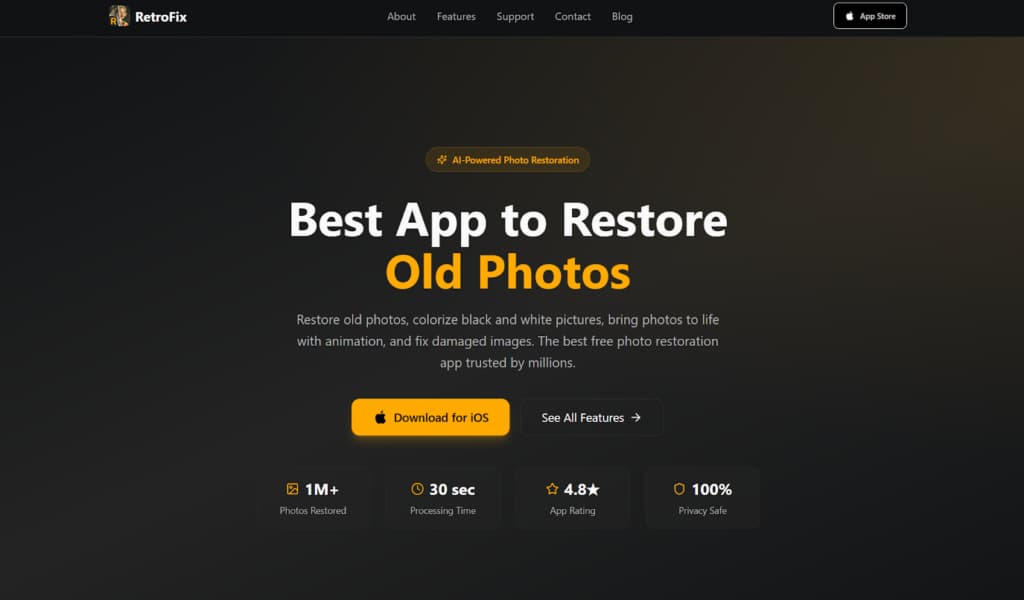
RetroFix is designed for speed, not surgical precision. It’s the tool you use when you need a family photo to look better for a digital slideshow tonight, not for archival preservation. The entire process is a one-click operation with no manual controls for fine-tuning. It applies a standard set of global enhancements, functioning similarly to a generic beautification filter for historical images. The goal is immediate visual appeal, not authentic restoration.
Where Speed Is More Important Than Precision
This service makes broad assumptions to deliver fast results. It uniformly boosts contrast and sharpness across the entire image. Colorization is applied generically, often prioritizing vibrancy over historical accuracy. It’s perfect for the user who values a quick win over absolute control.
The trade-off for this speed is a predictable set of automated adjustments:
- Automatic contrast and clarity adjustments;
- General sharpening across the entire image;
- Fast colorization for casual digital sharing;
- One-step workflow with no manual controls.
You get a brighter, sharper, more colorful version fast. The downside is a lack of nuance. Over-smoothing is common, especially on skin tones, which can take on a plastic, airbrushed quality. Fine details get lost in the aggressive sharpening, and the colorization can be hit-or-miss, sometimes turning skies an unnatural hue or miscoloring clothing.
3. VanceAI Photo Restorer
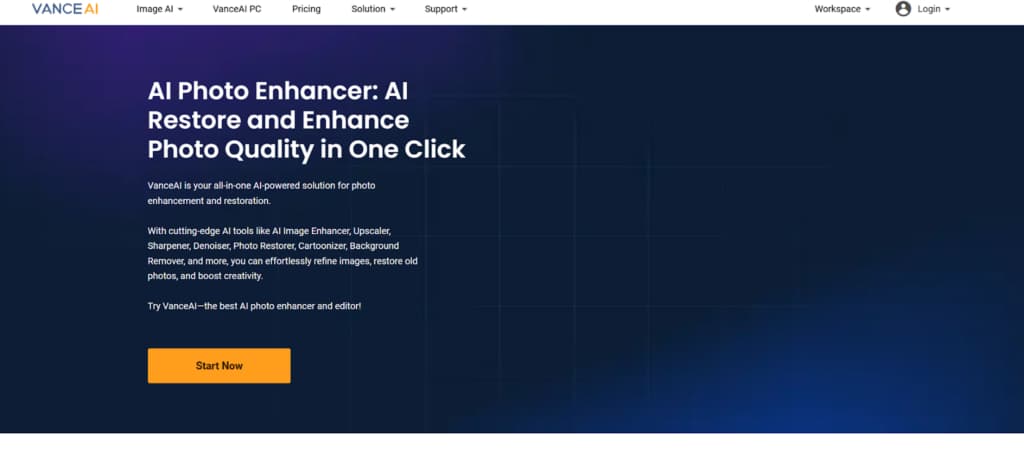
VanceAI Photo Restorer is a more aggressive, all-in-one processor. It doesn’t just aim to repair; it tries to intensively enhance. This tool is intended for photos that are both damaged and of poor quality, such as a blurry, scratched scan. It combines defect removal with heavy-duty sharpening and color correction in a single pass. The output is often dramatically clearer, but it crosses the line from restoration into AI reinterpretation.
What Happens When Repair And Enhancement Combine
The tool uses a more complex model that tackles multiple problems simultaneously. It’s trying to clean, fix, and improve all at once. This can be powerful for a photo in rough shape, but it introduces a new set of artifacts. The AI frequently over-corrects, prioritizing a clean, modern look over the photo’s original character.
Its processing results in a combined set of effects:
- Simultaneous defect removal and detail boosting;
- AI-driven color and contrast correction;
- Strong smoothing on noisy or soft scans;
- Batch-style processing logic for multiple images.
The major risk is an artificial, over-processed appearance. The algorithm can erase fine film grain and texture, leaving surfaces looking oddly uniform and synthetic. According to our analysts, it works best when you need a powerful, comprehensive fix and are willing to accept that the result may look more like an AI’s version of your photo than a cleaned-up version of the original.
4. Pixelbin

Pixelbin is a minimalist, browser-based tool for light maintenance. It is intended for photos with minor issues such as slight fading, light dust, or overall dullness. There are no download requirements or complex settings. You drag, drop, and get a slightly improved image. It represents the lower bound of what AI restoration can do: fast, accessible, but fundamentally limited. It’s first aid, not surgery.
Limits Of Lightweight Browser Restoration
The tool applies very basic corrections. It gently rebalances contrast and reduces overall noise or dust specks. The processing is fast because the adjustments are broad and simple. This makes it excellent for a quick test or for improving a photo that’s already in decent shape for screen viewing.
Its capabilities are confined to these elementary operations:
- Basic correction of faded and low-contrast images;
- Automatic dust and minor noise reduction;
- Fast browser-based processing;
- Output suited more for screens than for print.
Pixelbin’s weakness is its lack of power. It barely makes a dent in true physical damage. A deep scratch or a large stain will remain clearly visible, perhaps just slightly softened. It’s the right choice for a photo that just needs a bit of brightening, not for one that needs actual repair. For serious defects, its algorithms simply don’t engage deeply enough.
Final Takeaways By Damage Type
Select your tool by matching it to the primary damage type. This is not about finding the single “best” service, but the most appropriate one. For photographs with clear physical surface damage, such as scratches, cracks, and material stains, use Renew Photo. Its entire model is built for that structural repair. When you need a fast visual refresh for a digital copy and precision is secondary, RetroFix delivers speed above all else.
For photos that are both damaged and of poor quality, requiring an intensive combined repair and enhancement pass, VanceAI is the heavier, more aggressive option. And for light, quick cleanup of faded or dusty images directly in your browser, Pixelbin offers a no-fuss solution. Match the problem to the specialist.