
Database management is a core job now. Teams are under huge pressure. They need to write fast queries, keep data safe, and deploy changes constantly. And they’re doing it across complex, complicated systems. The right SQL tool is more than helpful. It’s essential. This guide looks at the leading options.
We will discuss what they do, what they are excellent at, and who should utilize them. The purpose is simple: to assist you in identifying a tool that is appropriate for your team’s current work.
Top SQL Tools for Developers
The right database tool is a force multiplier. It provides smart coding assistance, visual design, and integrated debugging. The options below are some of the best. Each targets a different part of the workflow.
dbForge SQL
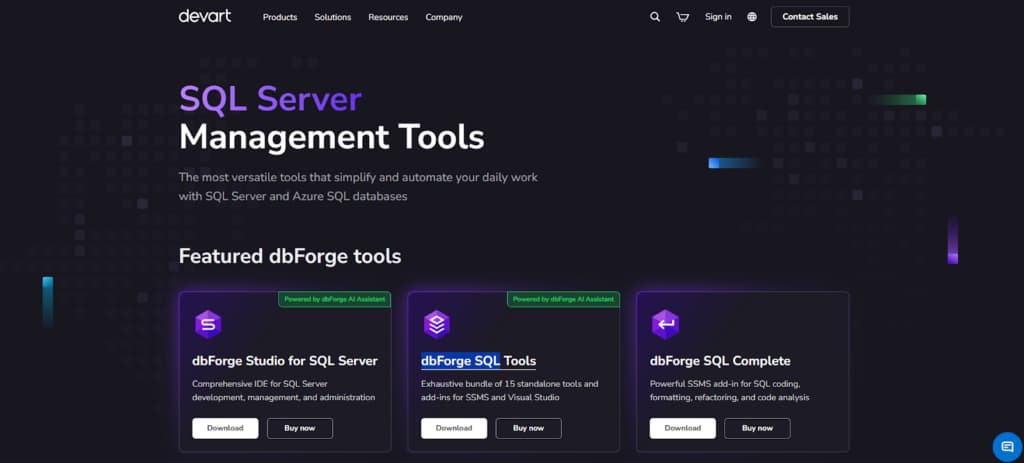
dbForge SQL from Devart is a SQL management software for SQL Server. It gives teams a complete toolkit for database work—from writing and debugging queries to tuning performance and creating visual designs.
The software also provides comparison and sync features for schemas and data, with automation capabilities to streamline tasks. It integrates directly with SSMS and Visual Studio, combining many functions into a single unified interface.
Key Capabilities:
- Smart code assistance: auto-completion for SQL, automatic formatting, visual query designer.
- Schema & data handling: detailed comparison, synchronization, safe deployment of changes.
- Performance tuning: built-in profiling, query debugging, execution analysis.
- DevOps support: automation for routine tasks, integration with CI pipelines.
dbForge SQL excels at improving team productivity and database reliability. It combines SQL Server development, administration, and deployment into one suite.
This reduces manual work and tool switching. Teams apply changes faster with fewer errors, keep environments consistent, and integrate with DevOps processes. Delivery speeds up, operational risks drop.
MySQL Workbench
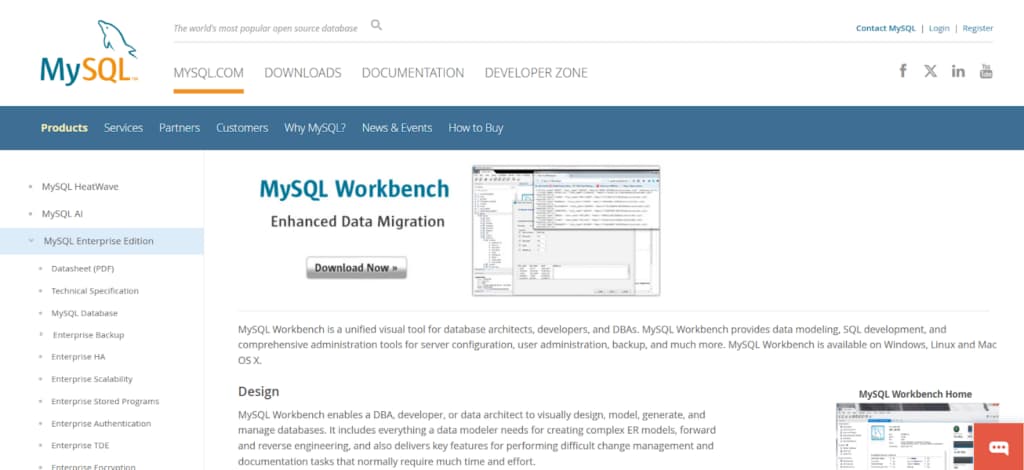
MySQL Workbench serves as MySQL’s main visual tool for design, development, and admin work.
Features schema modeling with EER diagrams, integrated SQL editor, user and permission controls, server monitoring, backup/migration utilities. Forward/reverse engineering simplifies working with live databases or applying models. Available on Windows, macOS, Linux. Fits developers, DBAs, and data engineers needing one environment.
Key Capabilities:
- Visual database modeling with EER diagrams.
- Integrated SQL editor with syntax highlighting and autocompletion.
- Forward and reverse engineering of schemas.
- Server administration: users, roles, backups, configuration, logs.
- Performance dashboard and query analysis.
- Data migration and import/export utilities.
- Cross-platform support (Windows, macOS, Linux).
By tightly combining visual database modeling with live SQL programming, it enables users to graphically create structures and quickly validate them on actual MySQL servers, removing the need to jump between programs.
pgAdmin
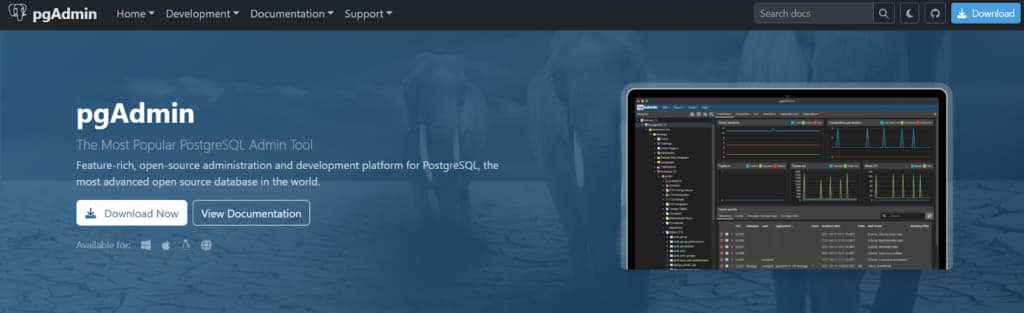
pgAdmin is the official PostgreSQL management tool. Use it as a desktop program or web app to handle everything from simple queries to server setup. Browse databases, edit objects, run SQL, and design schemas. It performs admin tasks like managing permissions and backups, and provides tools for query analysis. It connects to PostgreSQL instances in any environment.
Key Capabilities:
- Query Tool with syntax highlighting, autocomplete, and EXPLAIN/ANALYZE.
- Visual ERD designer for tables and relationships.
- Server and database object browser with editing tools.
- Role, permission, and user management.
- Backup/restore and maintenance tasks.
- Activity monitoring: sessions, locks, statistics.
- Desktop and browser-based deployment (Windows, macOS, Linux).
Its main advantage is managing PostgreSQL end-to-end in one open-source interface, supporting local, remote, and cloud databases.
Toad for Oracle
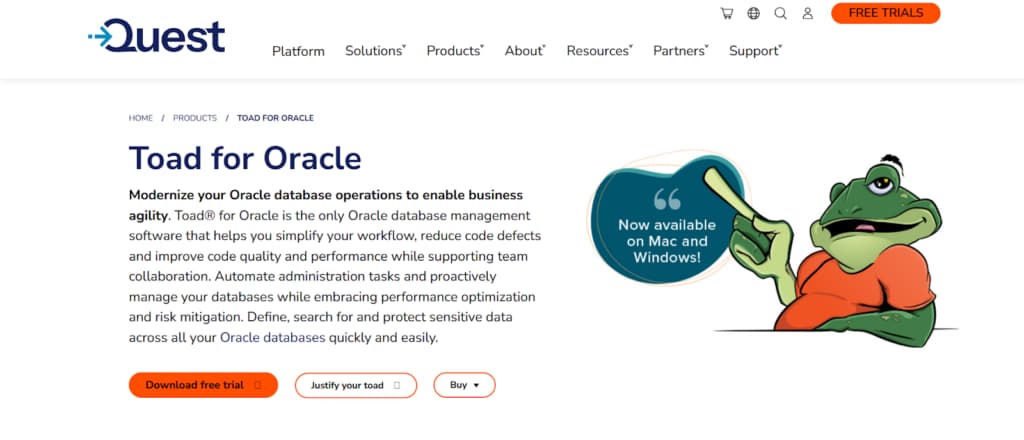
Toad for Oracle is a specialized development environment for managing Oracle databases. It accelerates work in SQL development, PL/SQL debugging, and performance optimization by integrating essential tools. These include a code editor, object browser, and debugger.
For performance, it provides detailed explain plans and session monitoring. The tool also supports task automation and consistent reporting.
Key Capabilities:
- Advanced SQL editor with optimization insights and explain plans.
- PL/SQL debugger for step-through code analysis.
- Schema browser for fast object navigation and editing.
- Automation designer and task scheduler for routine jobs.
- Session monitoring and performance diagnostics.
- Reporting and export tools for audits and documentation.
This tool is built for Oracle, providing specialized optimization and automation to manage complex environments efficiently.
DBeaver
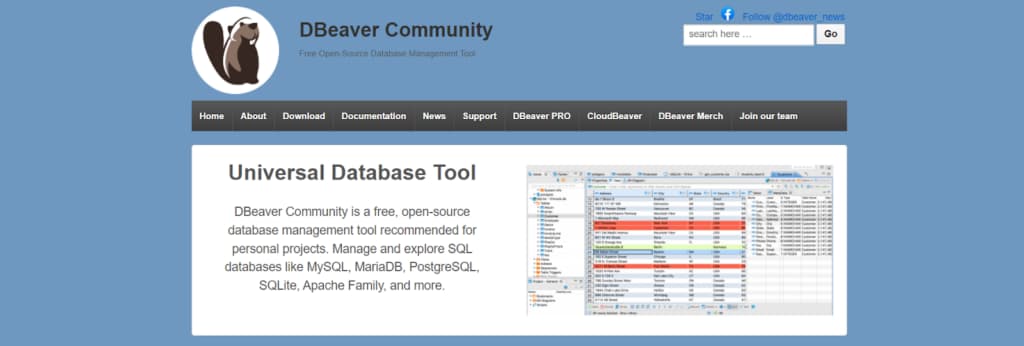
DBeaver is a multi-database client that connects to systems like PostgreSQL, MySQL, and Oracle from a single interface.
It handles connections, SQL editing, data browsing, and grid-based editing. Also offers a visual query builder, ER diagrams, and data import/export. A free version is available, plus a paid edition. Used by developers and analysts working across different databases.
Key Capabilities:
- Multi-database support in one client (JDBC-based drivers).
- SQL editor with autocomplete, execution plans, and history.
- Visual query builder and ER diagrams.
- Data editor with filtering, inline edits, and export/import.
- Metadata browser for schemas, tables, indexes, and keys.
- Cross-platform support (Windows, macOS, Linux).
It is perfect for teams working across several database systems because of its primary strength, which is genuine multi-database administration from a single, consistent interface.
Microsoft SQL Server Management Studio (SSMS)
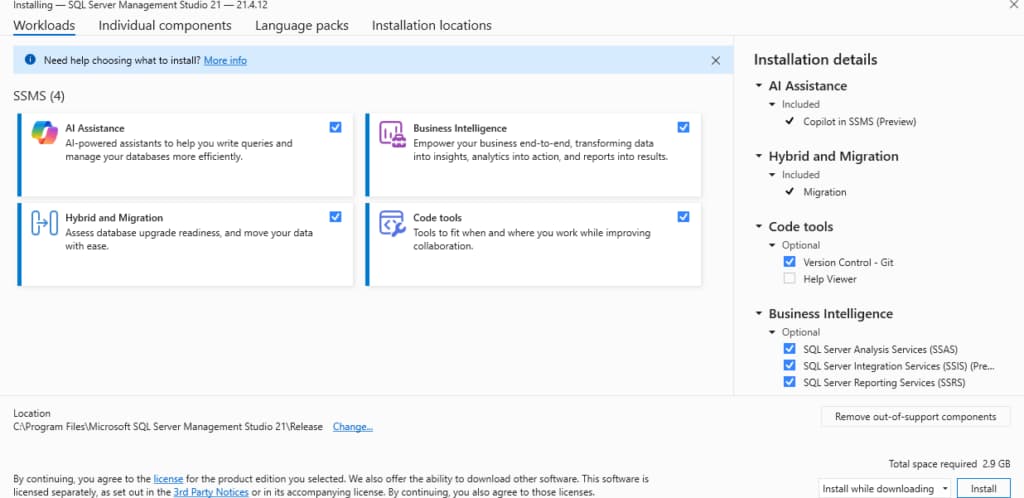
SQL Server Management Studio is the primary tool for working with SQL Server. It’s used for writing queries, managing databases, and handling server administration.
The interface includes a T-SQL editor, an object browser, and design tools for tables. It also handles backups, security, and performance tasks. Because it integrates directly with both on-premises and Azure SQL Server, it’s the standard environment for most database work.
Key Capabilities:
- T-SQL editor with execution plans, IntelliSense, and debugging.
- Object Explorer for servers, databases, and objects.
- Graphical database diagrams and table designers.
- Backup/restore, security, and user/role management.
- Activity Monitor for sessions, waits, and resource usage.
- Integration with Azure SQL and other Microsoft data services.
Its core advantage is deep, native integration with SQL Server, offering a complete, official Microsoft interface for development and administration.
How to Choose the Right Tool for Your Workflow
The right tool should simplify your existing workflow. Start by confirming it natively supports your database. Then, match it to your team’s key daily activities.
Check that it connects easily to the tools you already use. Don’t forget to review the standard criteria: cost, ease of use, ability to scale, and reliability of support.
A good choice reduces manual work and fits naturally into how your team operates.
Conclusion
Choosing appropriate SQL management software impacts team performance, precision, and flexibility. Options vary from single-platform tools to multi-database clients with distinct advantages.
Decide according to your primary databases, routine tasks, and integration requirements. Opt for a solution that limits context switching, automates standard operations, and delivers robust support in your environment.
This choice supports faster delivery, lower error rates, and consistent management. Assess alternatives with clear criteria and conduct trials before full adoption.